
Note: Trimble receivers use Bluetooth Low Energy to connect with iOS devices. As a result, the Trimble receivers should not be paired in the iOS Bluetooth Settings.
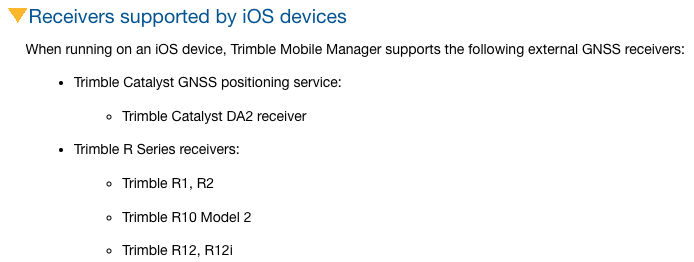
(The image above is taken directly from the Trimble Geospatial Website.)
-
Download the Trimble Mobile Manager (TMM) app or confirm it is up to date
-
Turn on the Trimble receiver. If the receiver was previously paired with another device, verify that it has been unpaired.
-
Verify that the PointMan app is updated to the latest version available in the App Store
-
Open PointMan and go to the Settings page
-
Tap the dropdown next to “GPS” and select “Trimble” from the list of options
-
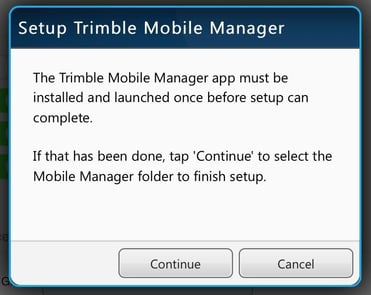
The following dialogue will display:
-
Tap Continue
-
The iOS device’s file explorer will open. Select the Mobile Manager folder and tap Done
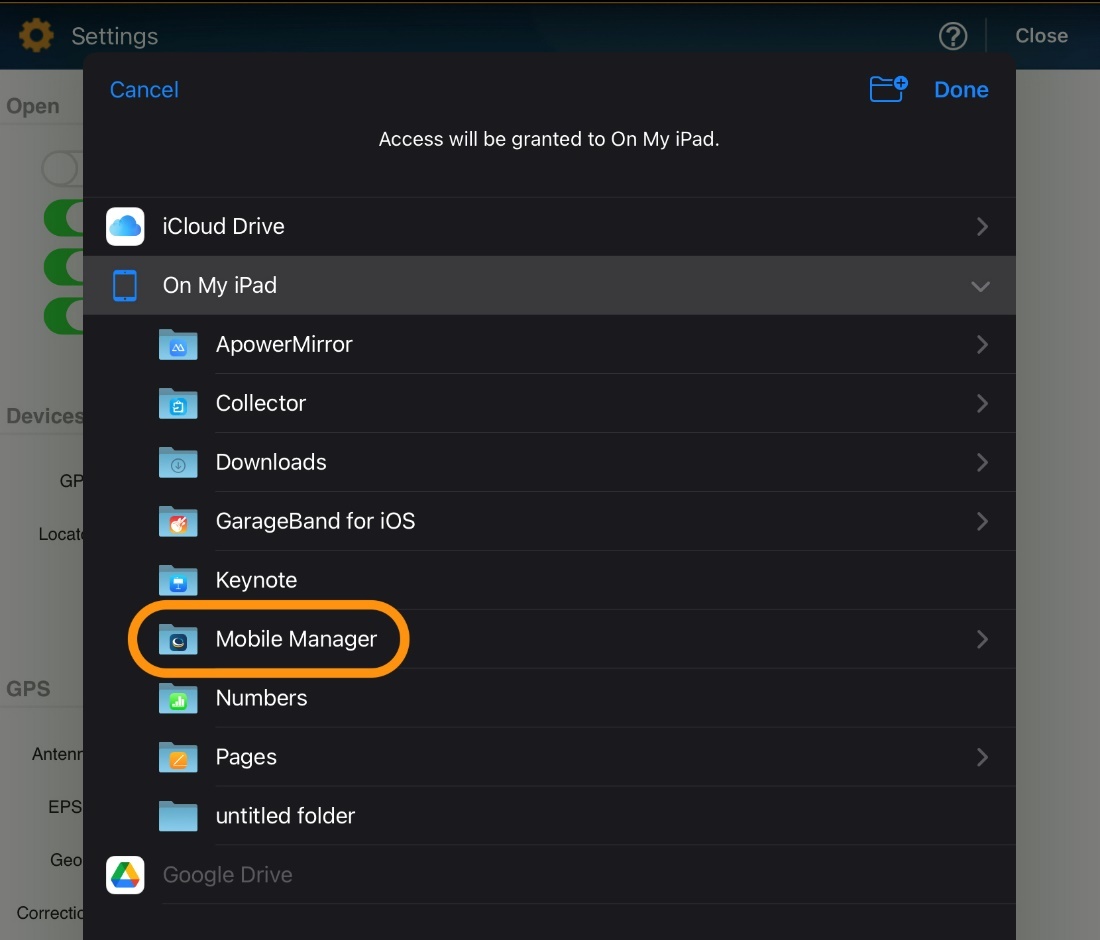
- Wait until you are prompted to log in. After enter your credentials, it may take a couple of seconds for PointMan to receive access from the Trimble Mobile Manager app.
Do not interact with the screen until the “Subscription Loaded” notification appears at the bottom of the PointMan app screen.
- Set the Antenna Height.
-
From the Correction dropdown under the GPS section of the PointMan Settings page, select the appropriate Trimble Correction service.
- Set a Geoid as needed. Otherwise, skip this step.
- Close the Settings page and collect a test point to confirm the accuracy levels and Fix Type you are receiving from the paired Trimble device.
Troubleshooting
Note about Uninstalling PointMan: If you are a PointMan Mobile-only License user, uninstalling the PointMan app will delete all project data stored on your device. It is important to backup any project data before uninstalling the mobile app.
For questions or issues:
Please reach out to the PointMan Support team.