-
Log in to PointMan Pro via the Desktop Access
-
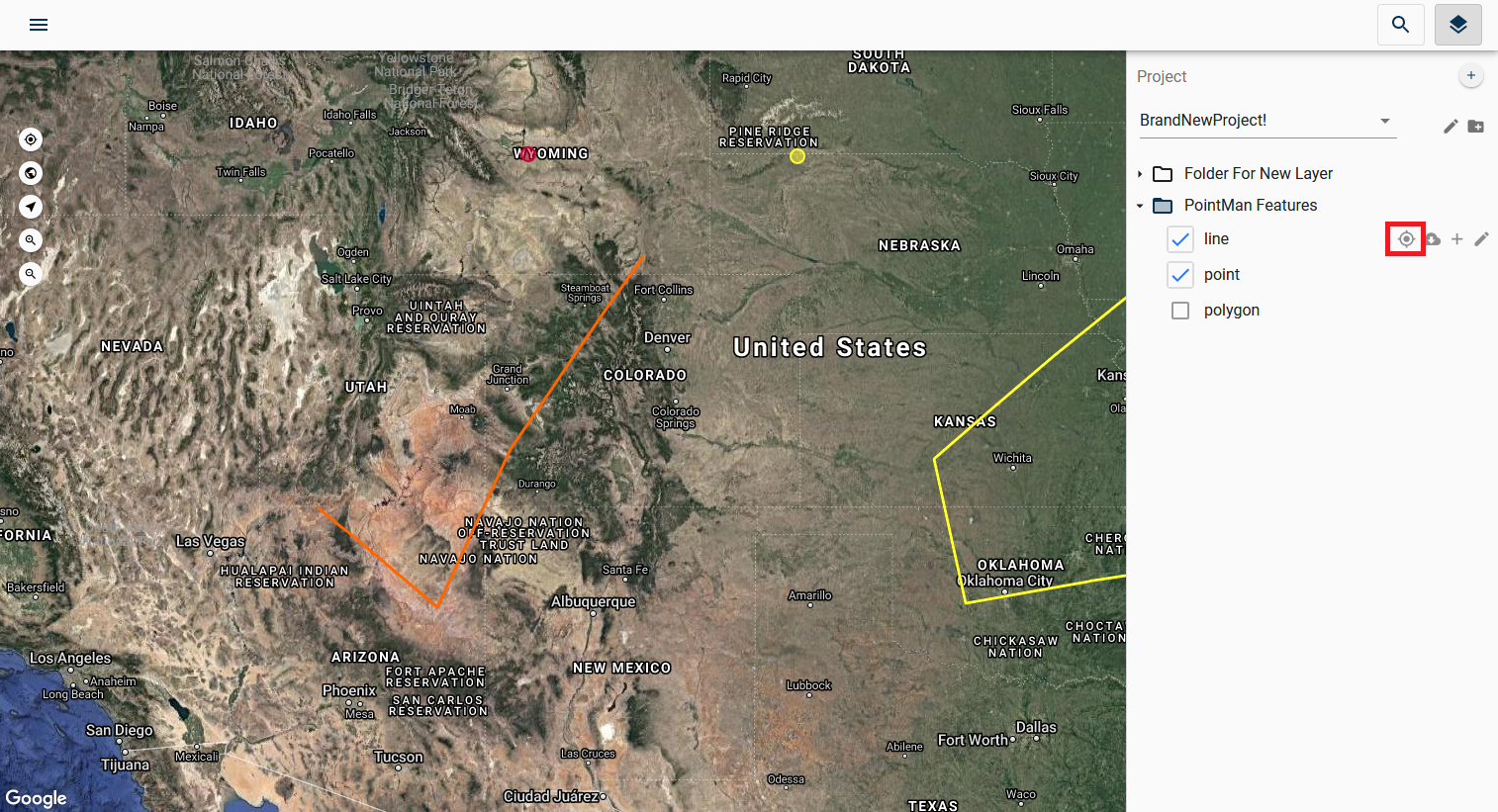
Find the layer that contains the features you would like to view
-
Hover over the layer, and several icons will display to the right of the Folder Name
- **Note: The layer MUST BE ENABLED for the icons to appear. Check the box to enable the layer
-
From there, click on the Zoom to Layer Extent icon
-
Your map should zoom in or out to encompass all the features in this layer
English