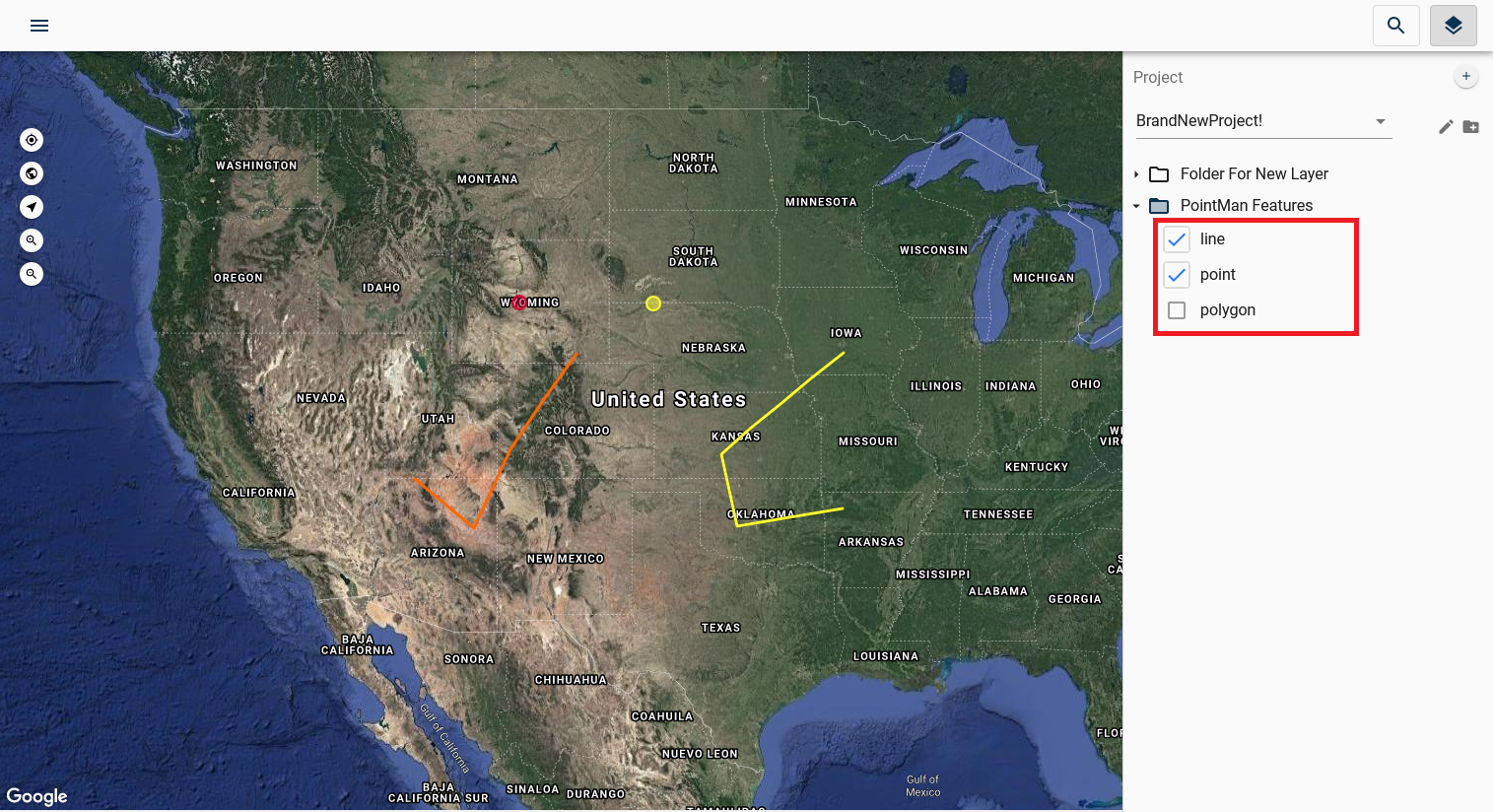
PointMan projects may become crowded the more features that are added. By enabling or disabling layers, it will be easier to view and interact with a project. There is no limit to how many layers can be enabled or disabled.
-
Log in to PointMan Pro
-
Open the Project Panel at the top right
-
Find the layers to be toggled on the map.
-
Check the box next to the layer name to view the layer on the map, and uncheck to hide it from view.