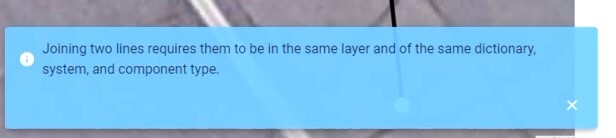
Split and Join can be applied to both PointMan line features and imported line features. The Split and Join features allow cloud users to both split lines at specific vertices and join lines that share the same layer, data dictionary, system, and component type. If you attempt to join incompatible lines, a warning toast will appear to indicate that the join is not possible.
Splitting Lines (Cloud)
-
Within the cloud desktop app, open a project containing the PointMan / Imported line that you would like to modify
-
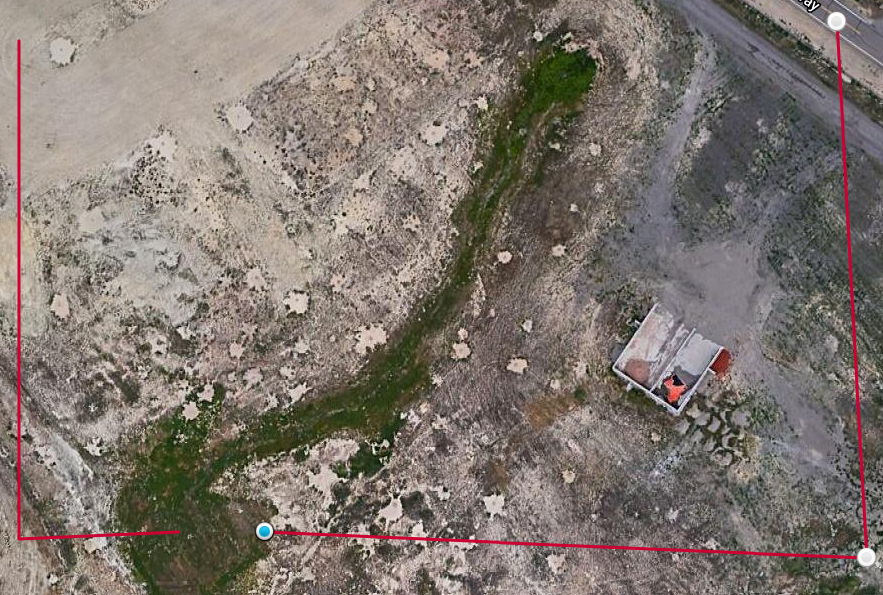
Select the line feature so that its vertices are highlighted
-
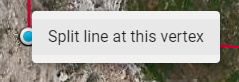
To split a line, right click on the vertex you would like to split the line at (this vertex cannot be either of the endpoints of the line). A Split dialogue will appear
-
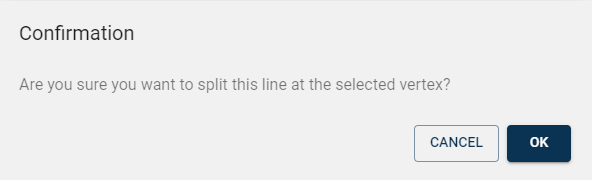
Click on the dialogue. This will open a Split confirmation window
-
Click “Ok”
-
A toast will appear at the bottom of the screen, indicating that the split was successful
-
You should now have two line features that can be selected independently

Joining Lines (Cloud)
-
Open a project on the desktop cloud app containing the PointMan / Imported line features you would like to join
-
Select one of the line features so that its vertices are highlighted
-
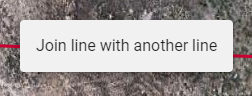
Right click on the line feature (do not click on a vertex, but rather, in between two vertices). A Join dialogue will appear
-
Click on the Join dialogue. A select window will appear prompting you to choose the other line
-
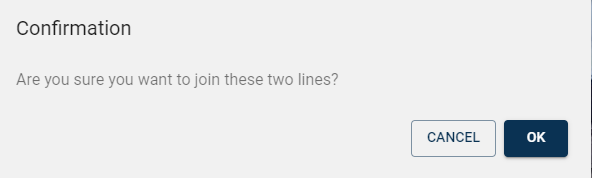
After selecting the other line that you would like to join to, a confirmation window will appear
-
After verifying that the correct line has been selected, click “OK”
-
A Join toast will appear at the bottom of the screen, indicating that the join was successful
-
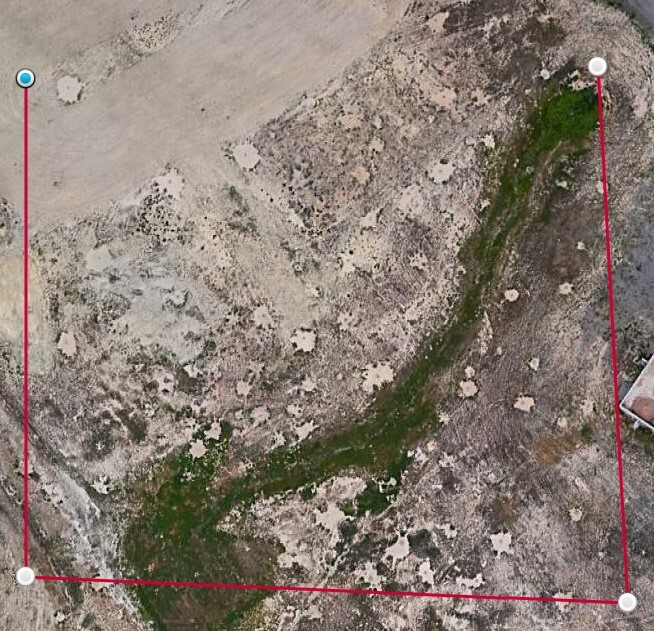
The two line features should now be joined together. For lines with larger gaps between them, additional vertices will be created to join them together
-
You cannot join lines that do not share the same data dictionary, layer, system, and component. If you attempt to join incompatible lines, a warning toast will appear to indicate that the join is not possible


Link to Video Tutorial:
How to Join and Split Captured Data Using PointMan