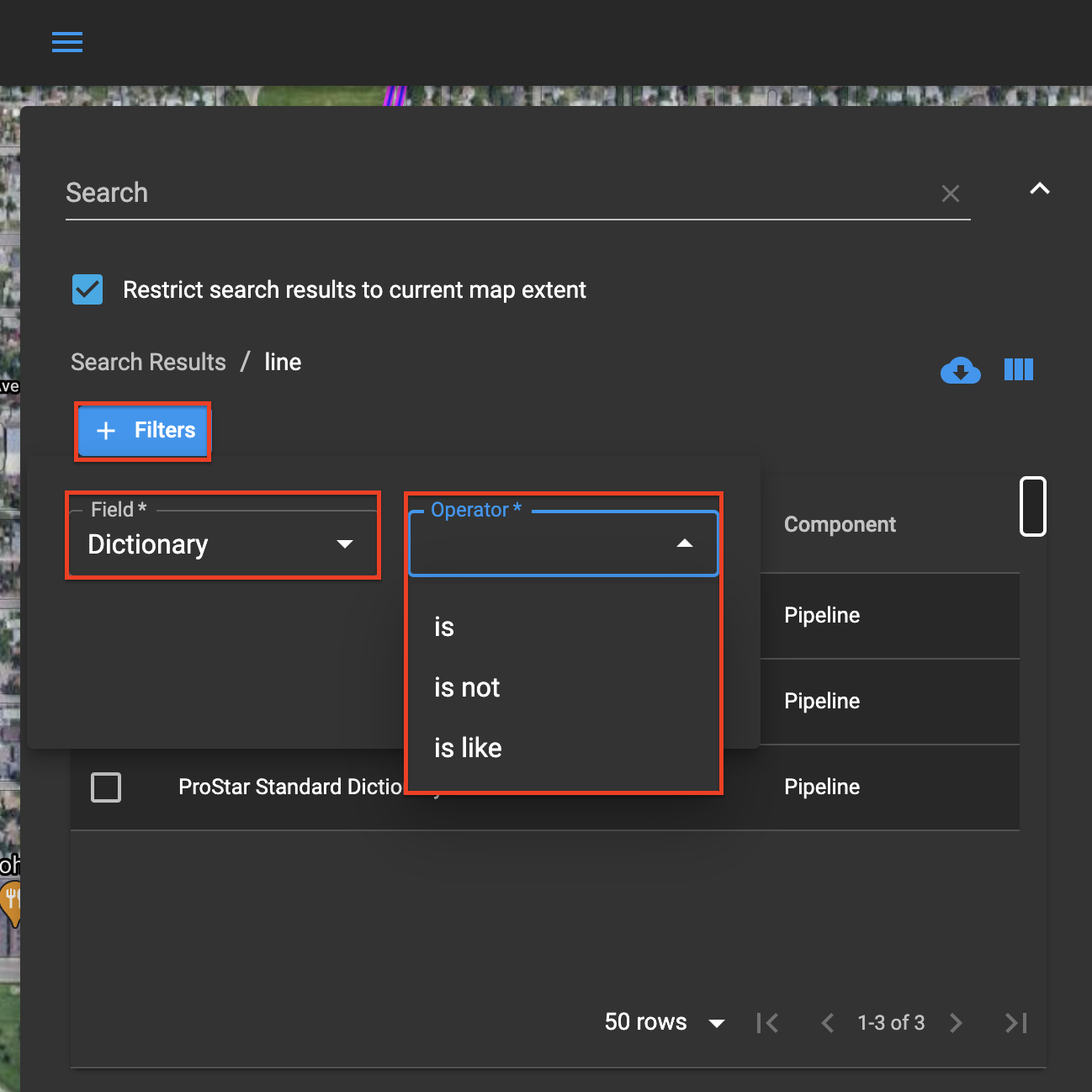
PointMan Pro uses operators to filter searches. Here is how these operators function.
-
As you select the operator field, there will be three choices:
is, is not, is like.-
IS works like an equal sign, meaning that your search field will display results that are equal to the value
-
IS LIKE works like a search result that either is exactly like the type or similar to the type
-
IS NOT works as the opposite of the operator IS. This means that your results will not have the specific value in your search
-
-
These operators work like math statements.