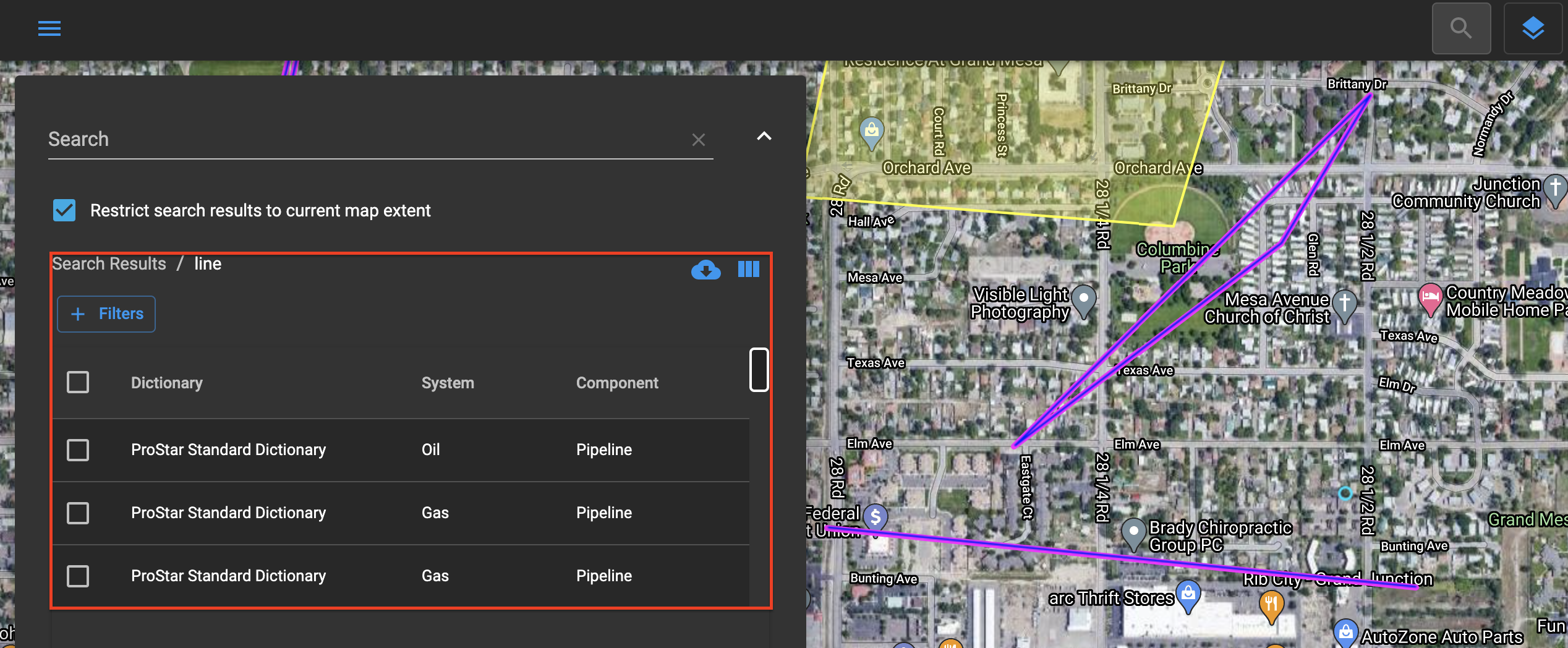
Here is how to search and restrict the features placed on the map. The Restrict Search results shows the features that pertain to the current size of the map
-
Login to PointMan Pro
-
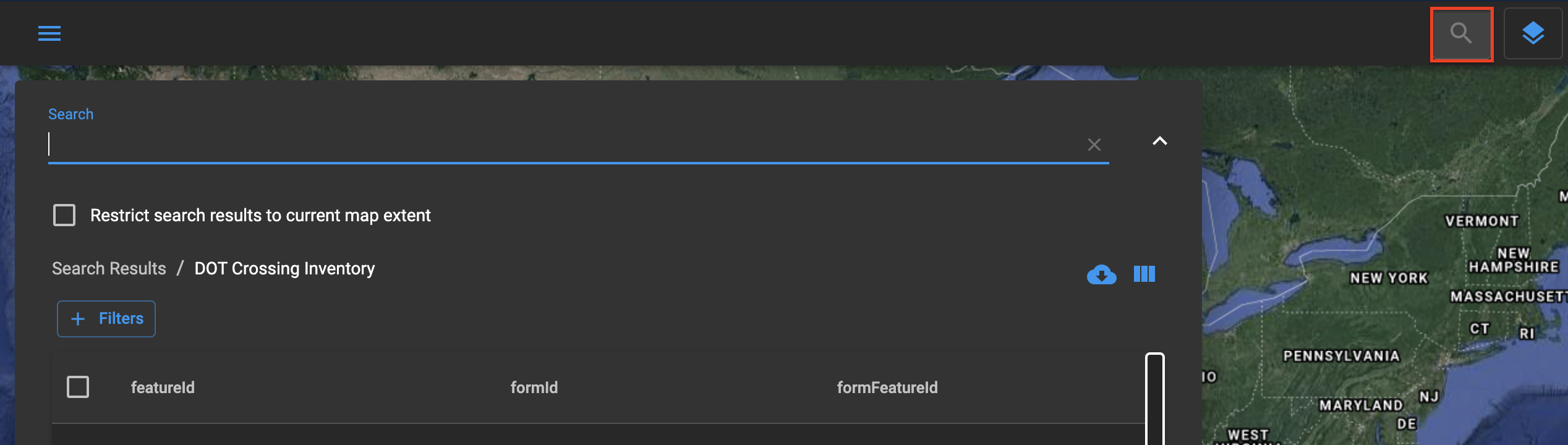
Select the Search Icon to open the search panel
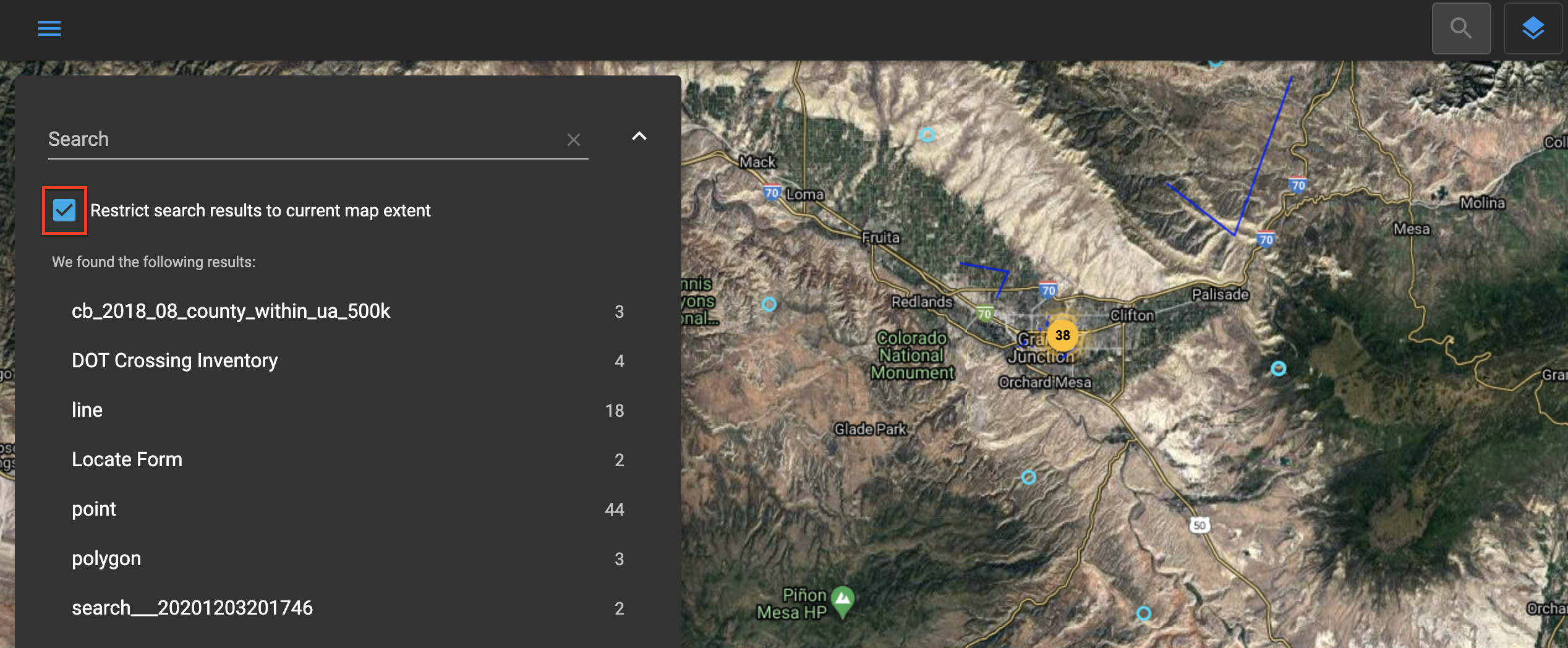
- Select the button, Restrict search results
-
Select any of the results that are relevant to you
-
The results of the selected feature will appear in purple