
PointMan Pro supports Pedigree for all features.
-
Select the feature that you wish to view. A side panel will open on the right.
-
Under the Feature panel, there is a secondary panel.
-
Select the Pedigree icon
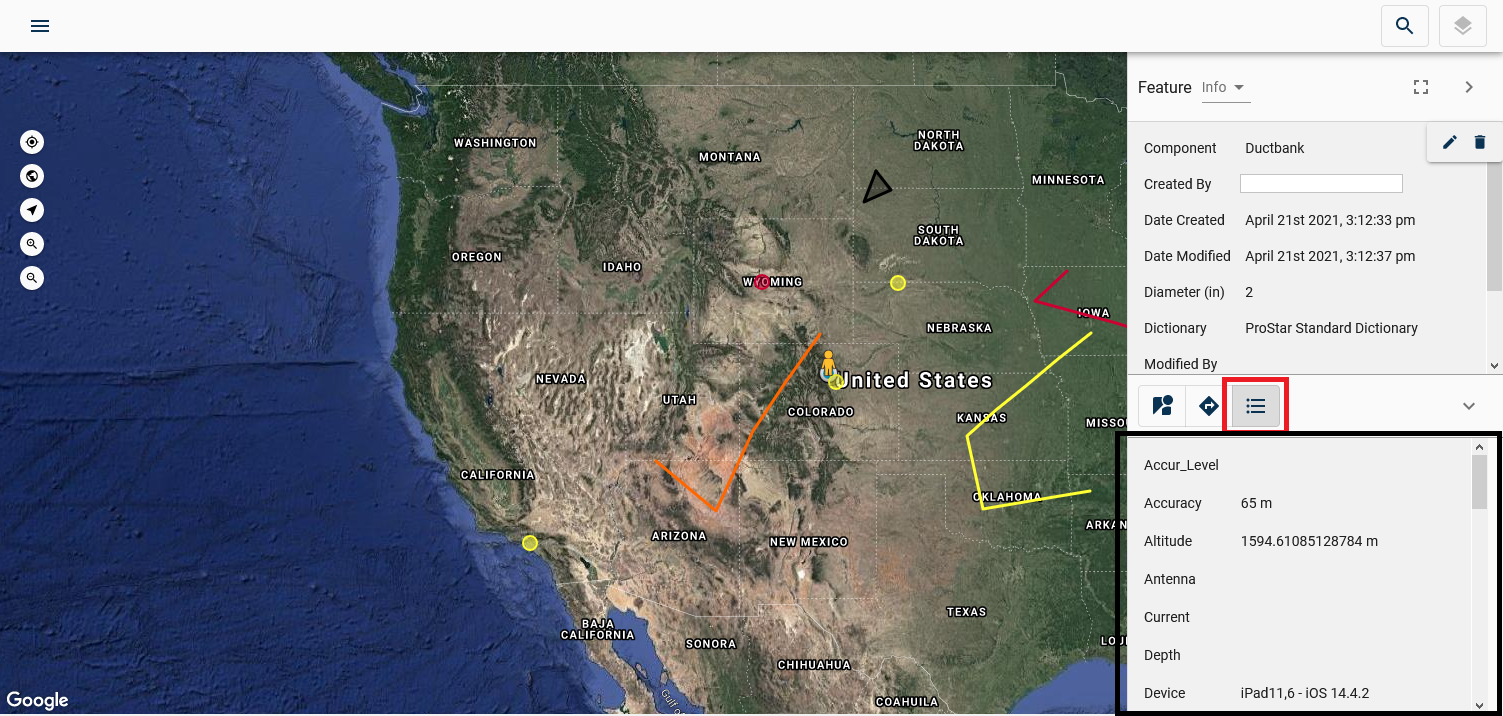
- If there is pedigree information available for the feature, it will be shown in the display below. Keep in mind that pedigree information is only available for features that were captured using the GPS function.