
When Notifications are enabled for the project currently being viewed, the user will receive a notification every time any of the following events occur:
-
Project Details is updated
-
New Layers are imported
-
New Data Collection Layers have been added
-
Layer or Folder with layers was deleted
-
Layer Details was edited
-
Project Data Dictionary was modified
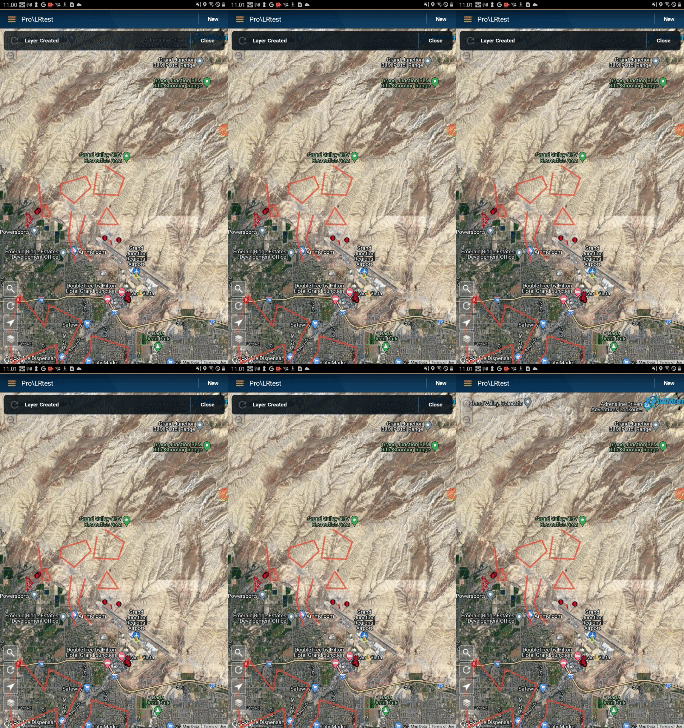
When enabled, a blue banner with the update will briefly appear at the top of the screen and a red notification bubble will appear on the Refresh icon in the bottom left of the screen to indicate that the app should be refreshed.
-
Via the PointMan Mobile app, go to the Settings page
-
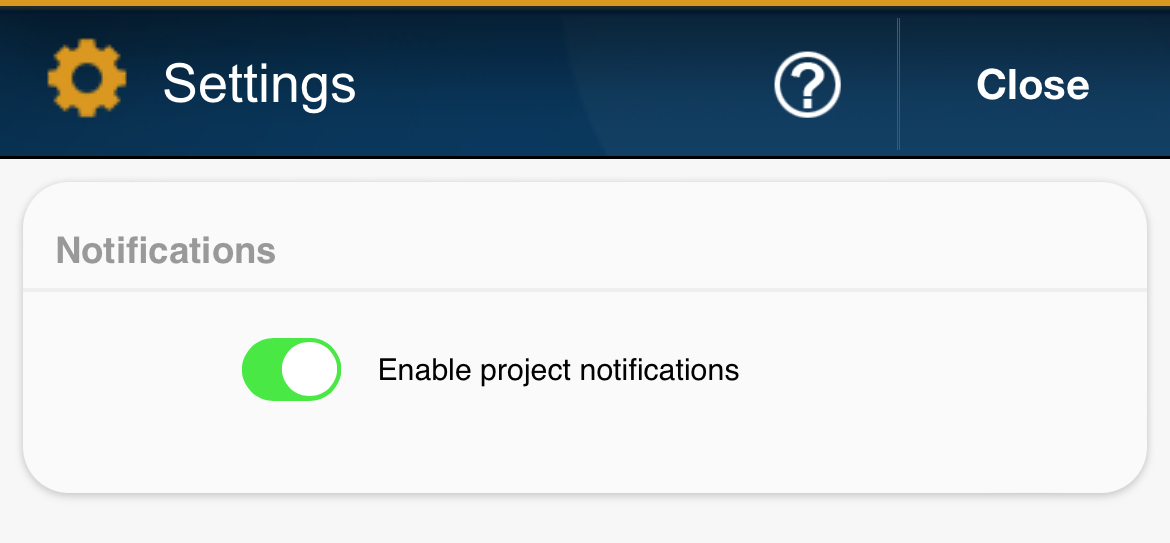
Scroll down to the Notifications section and enable/disable Project Notifications by tapping the toggle
-
The toggle will be green when Notifications are enabled
-
-
For Questions or Issues
Please fill out the request form (https://pointman.com/custom-support/) or send an email to [email protected] and include the following:
-
Question / Brief description of what you are experiencing
-
Include screenshots / screen recordings showcasing the issue if any
-
Include supporting data files showcasing the issue if any
-
-
List of steps that were already taken to troubleshoot the issue
The PointMan Support Team is available from 8:30am to 4:30pm MST Monday through Friday.