Multi Feature Collect allows users to create additional features (up to 2 features total) while creating the original feature via the mobile version of PointMan. The additional feature can be created without losing progress/place on the original feature. This can be done with point, line, and polygon features.
-
Login in to PointMan Mobile using a plus or pro user account
-
Open or create a project
-
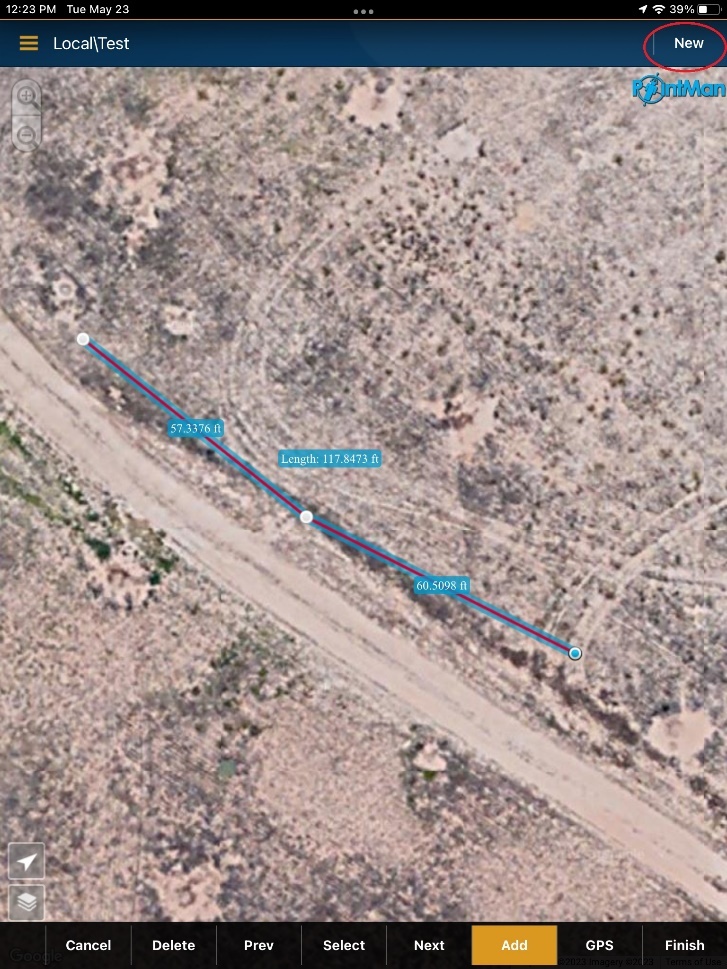
Click on new in the top right-hand corner
-
Choose any system and component.
- For this example, the original feature will be a Line
-
Place at least one point / vertex on the map
- Note: For Points, do not tap “Finish”
-
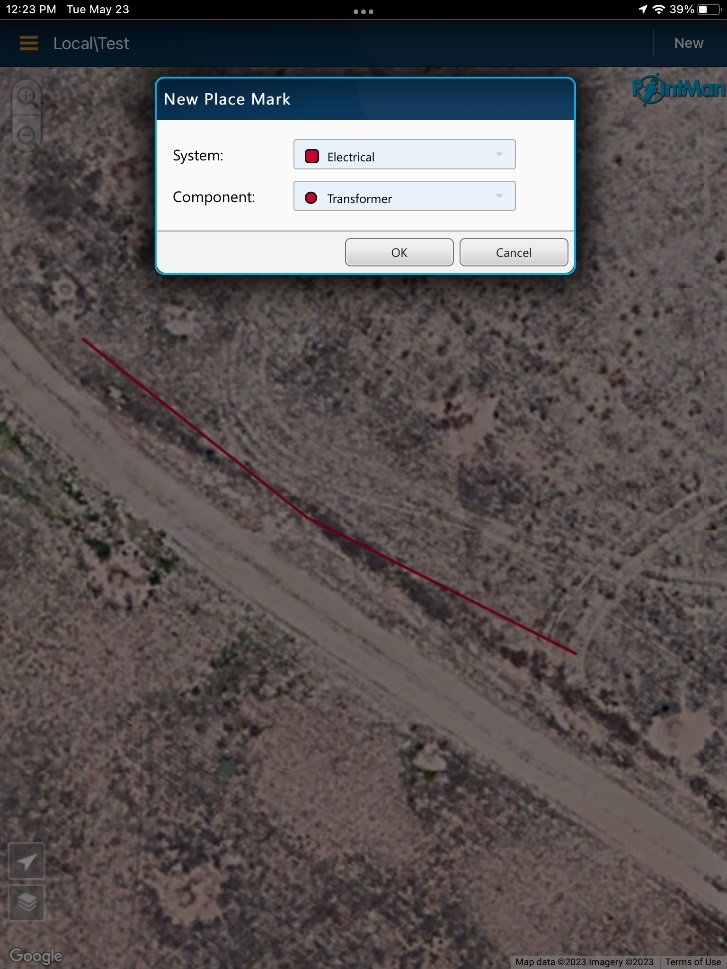
In the top right corner, click on new again
-
This will open the "New Place Mark" window again
-
Choose any system and component and click OK
- For this example, the second feature is a Point feature
-
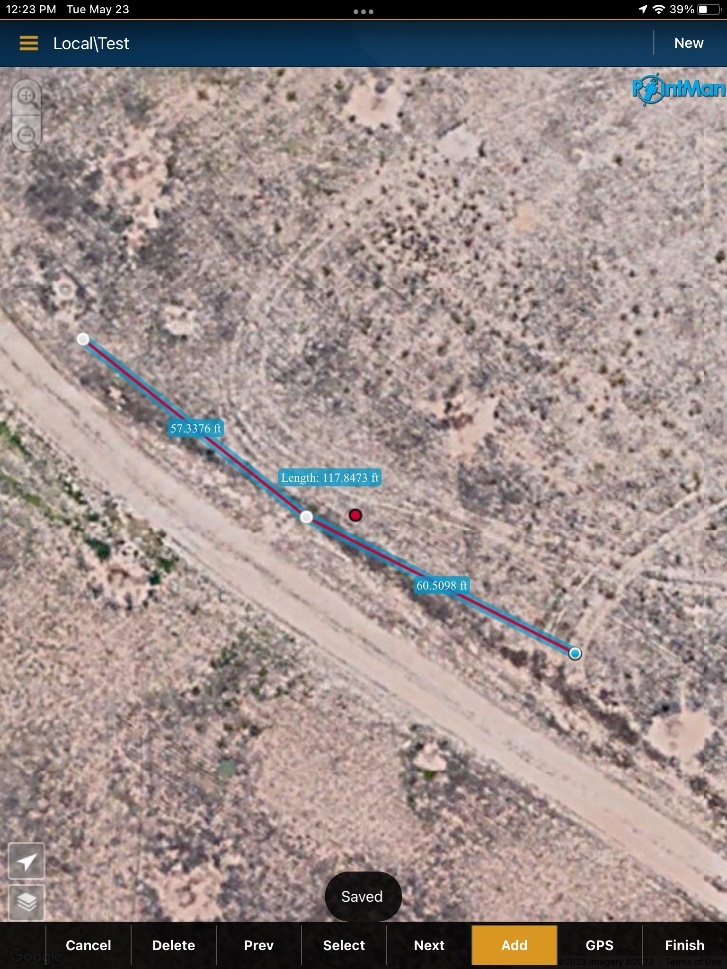
Place another point / vertex, and when the feature is complete, tap "Finish
-
A “Saved” toast will appear at the bottom of the screen, indicating that the second feature has been saved successfully
-
The second feature will be placed on the map, and you will be returned to the data collection view for the original feature
-
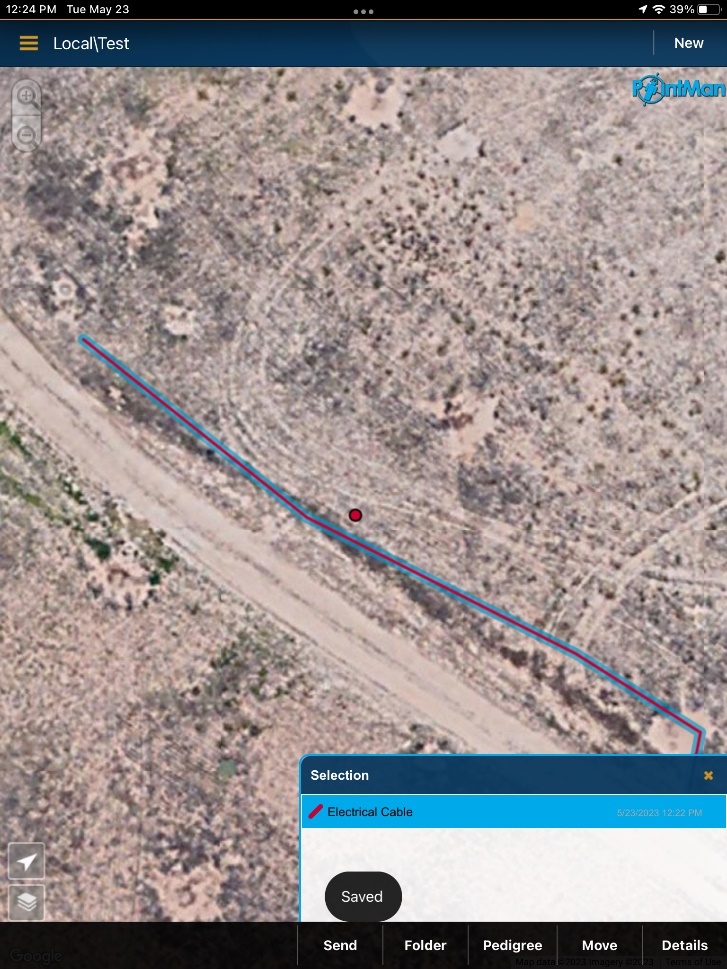
Complete the original feature, and then click "Finish"
-
Another “Saved’ toast will appear at the bottom of the screen, indicating that the original feature has been saved successfully
-
Both completed features will now be visible on the map