-
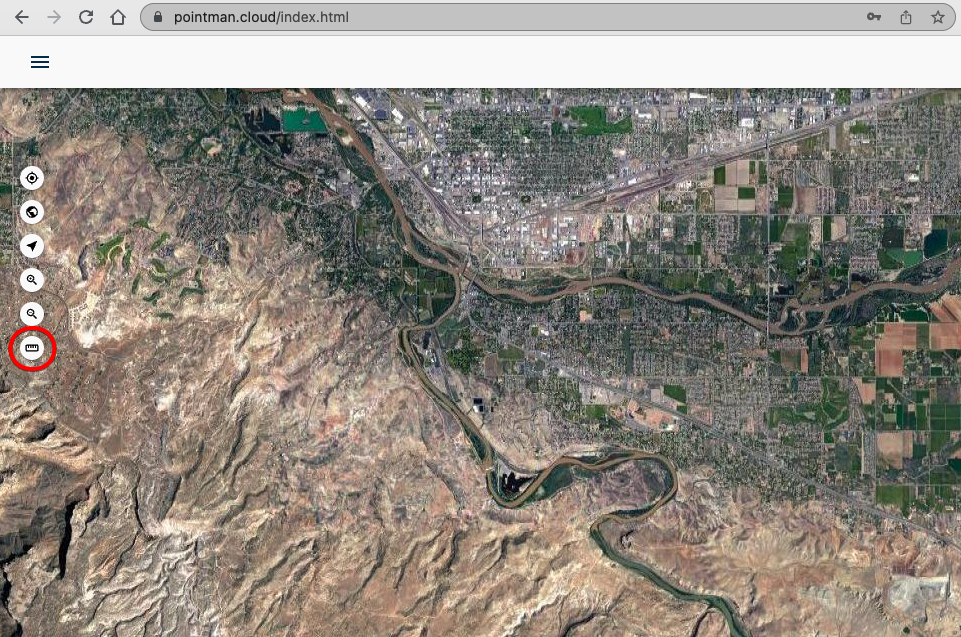
In the MapView, you will see icons on the left side.
-
Click the Measure Icon.
-
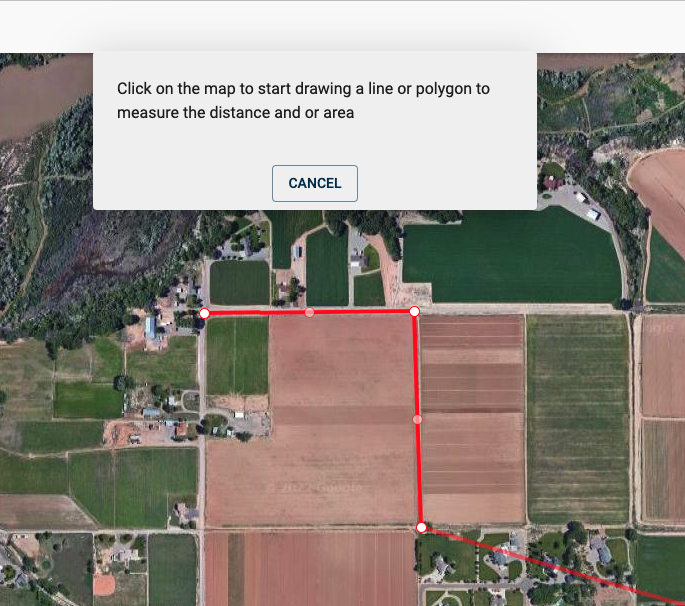
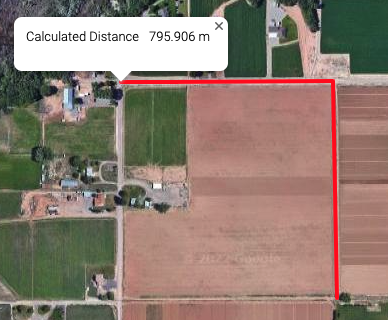
You can measure any object of any shape by adding points.
-
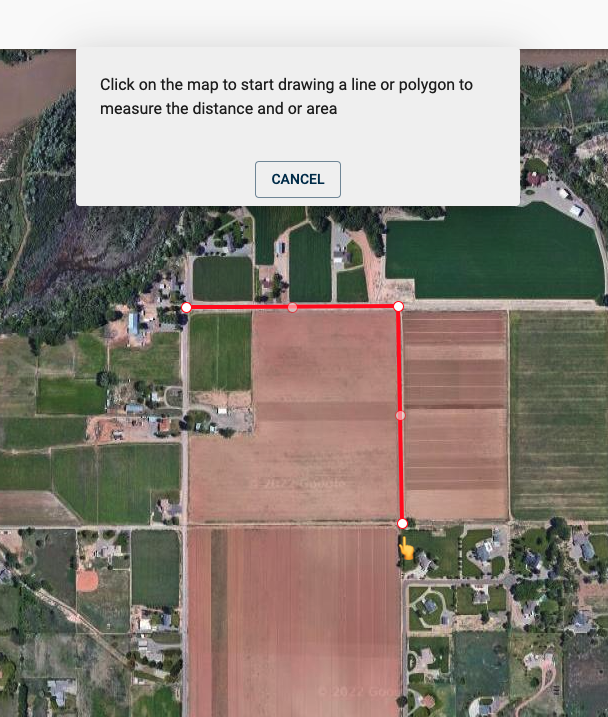
To finish, click the lastly added point again.
-
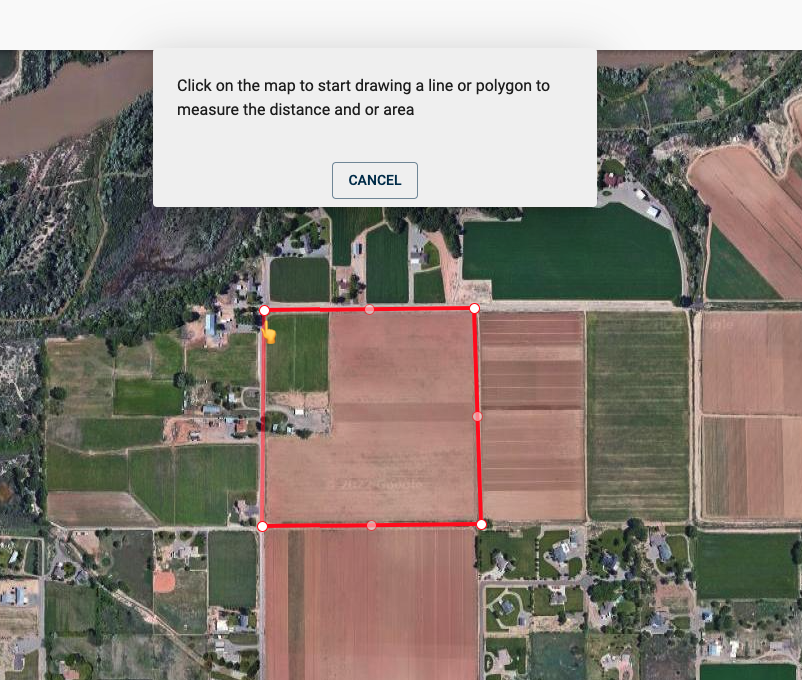
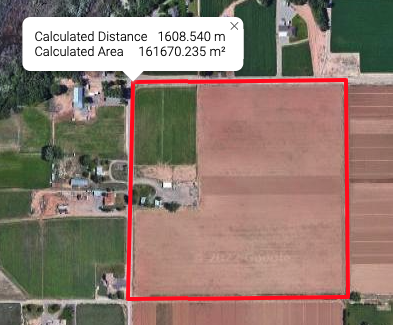
Or you could click the first point to make an area.
-
After making a line or area, the app will display its Calculated Length, and Calculated Area.
English
