
There are several map controls that are located at the left of the map.
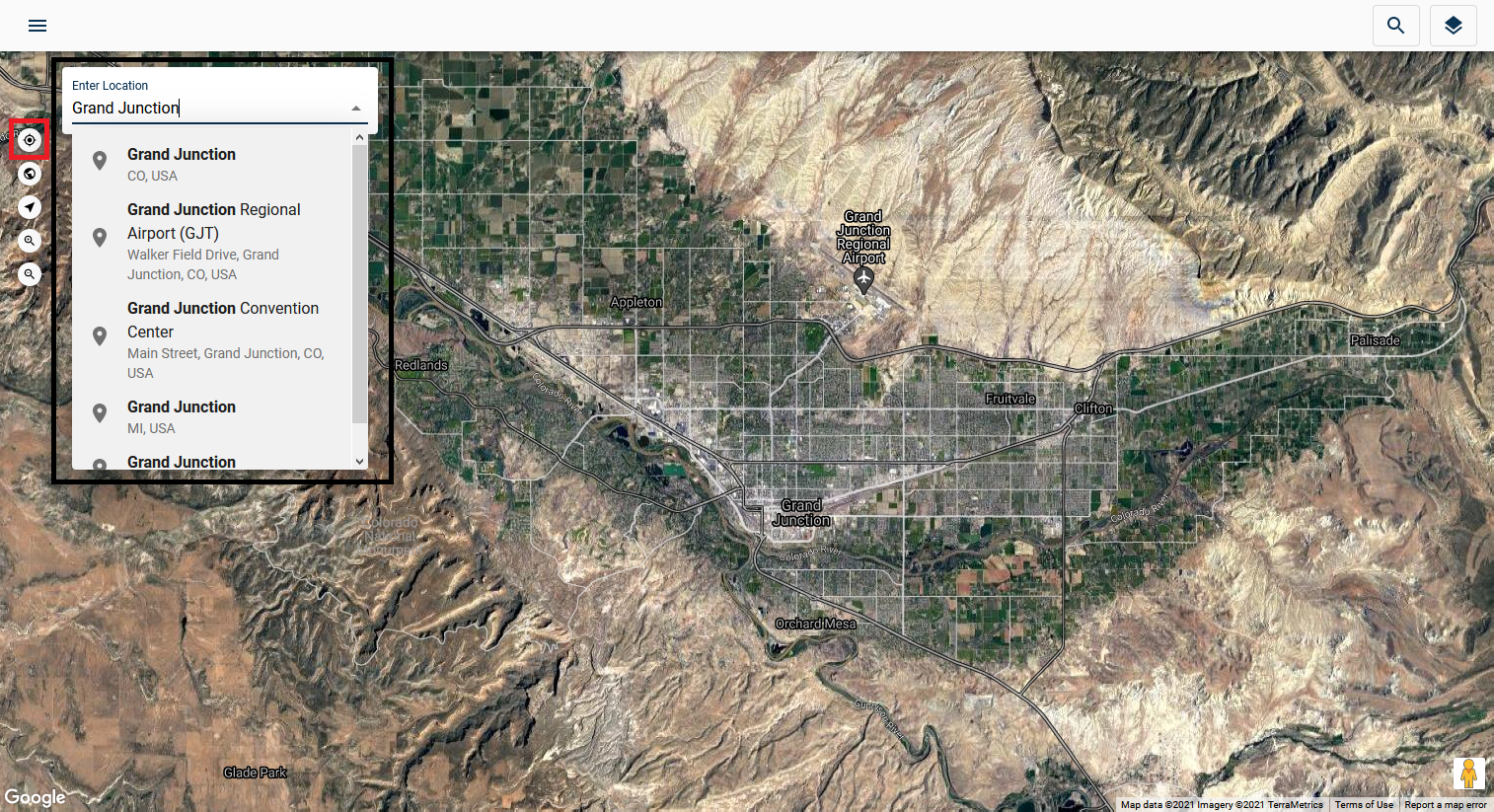
Go To Location
-
Clicking the Location icon will bring up dialogue box.
-
Search a specific location.
-
After the has location from the dropdown, the location should be displayed on the map.
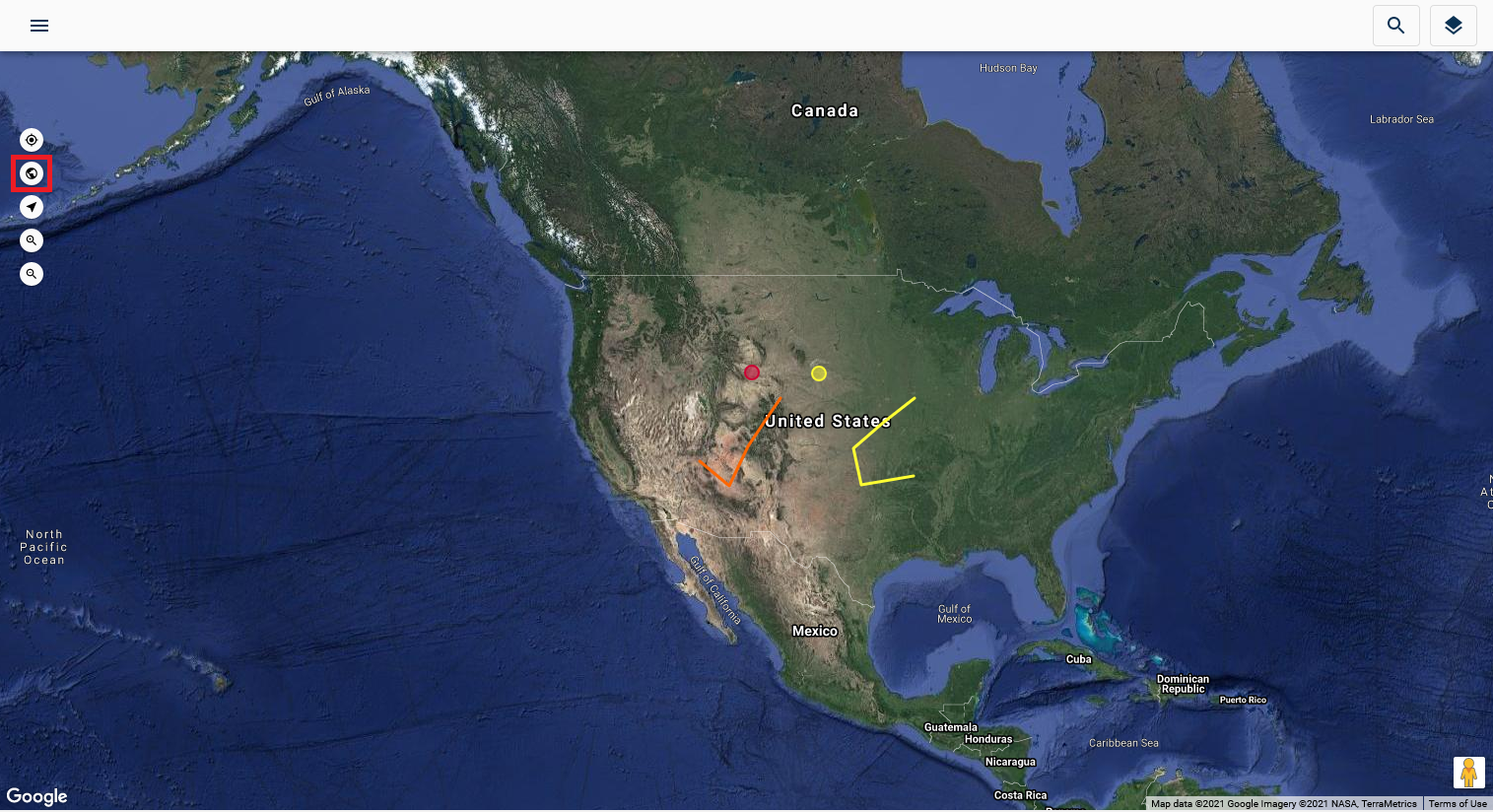
Zoom Out to Map Extent
-
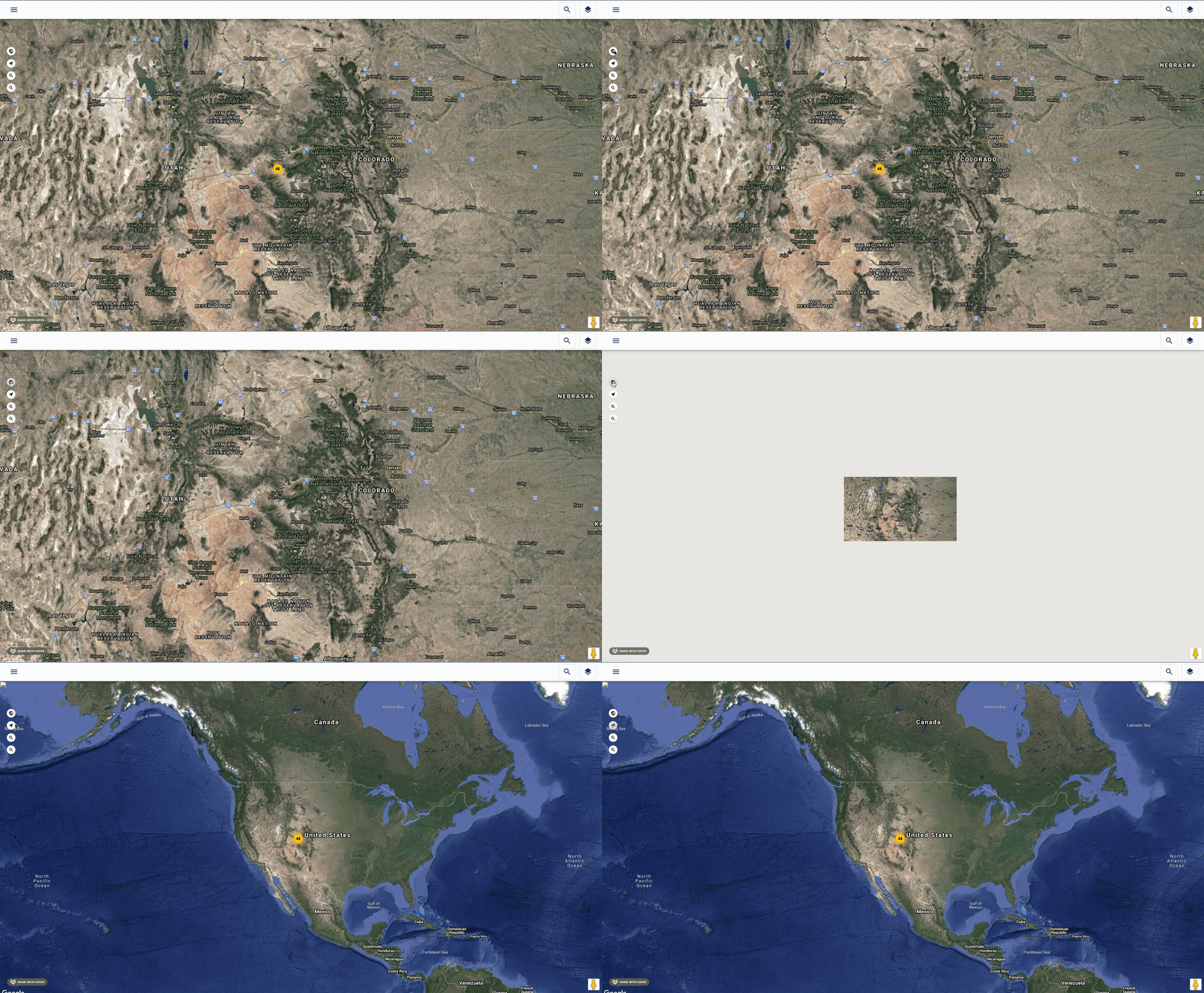
Clicking the Globe icon will automatically zoom the map out to encompass all features that have been placed in this project.
-
Simply click on the icon, and the map will be zoomed out.
Move to Current Location
-
Clicking the Direction icon will bring the map to your current location.
-
You must allow Pointman to have access to your location to use this feature.
Zoom
-
The Magnifying Glass icons zoom the map in and out.
-
You can also zoom by using the scroll wheel on your mouse, or your trackpad.