Editing Features
Pointman allows for pre-existing features on the map to be edited after it has been created.
-
Select the feature on the map that you wish to edit
-
The sidebar should open on the Info for that feature.
-
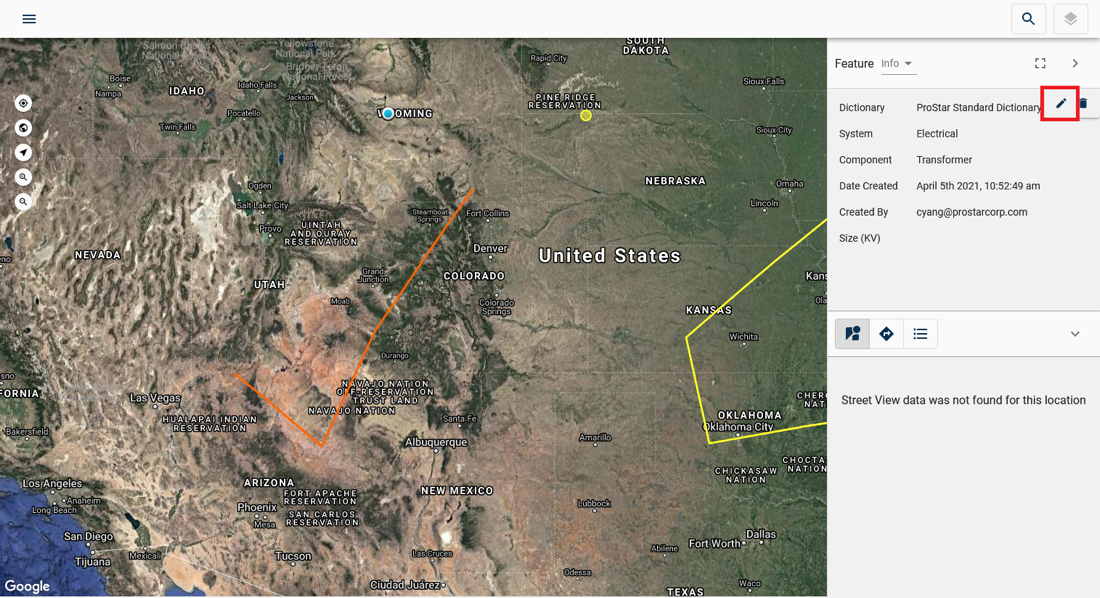
Click the pencil icon near the upper right of the sidebar.
-
Edit the feature.
- Note: Once a feature is placed, you are unable to change the geometry type of the placed feature. This means, a point can only be changed to another component that is also a point type. The same goes for lines and polygons.
-
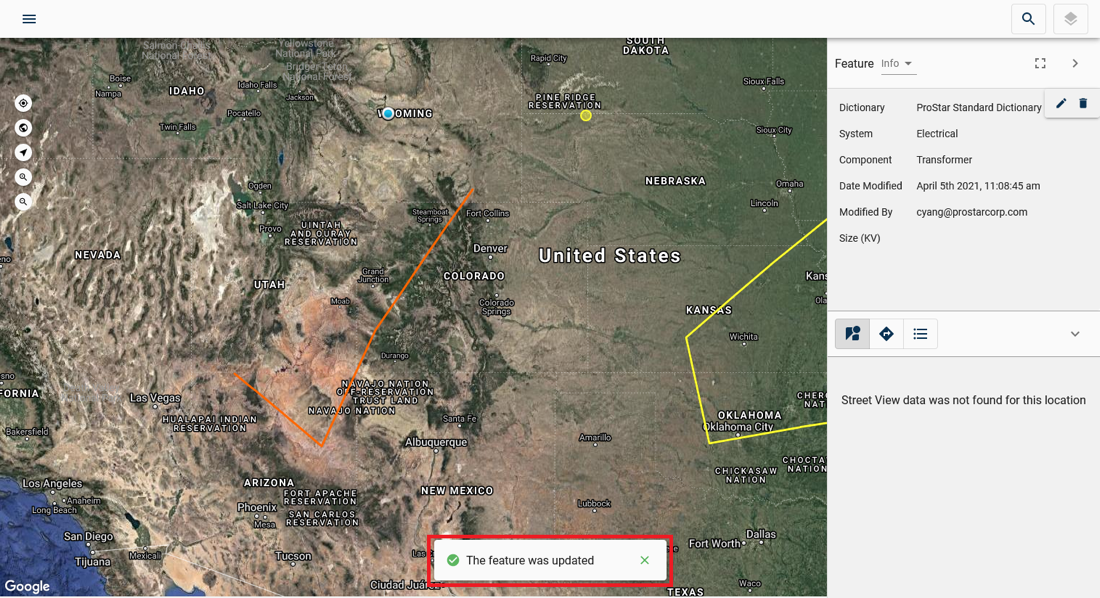
After you have edited your point, click Save.
Deleting a Feature
PointMan allows users to delete features easily. Once a feature is deleted, the data cannot be recovered.
-
Select the feature on the map that you wish to edit
-
The Feature Panel will appear to the right of the screen.
-
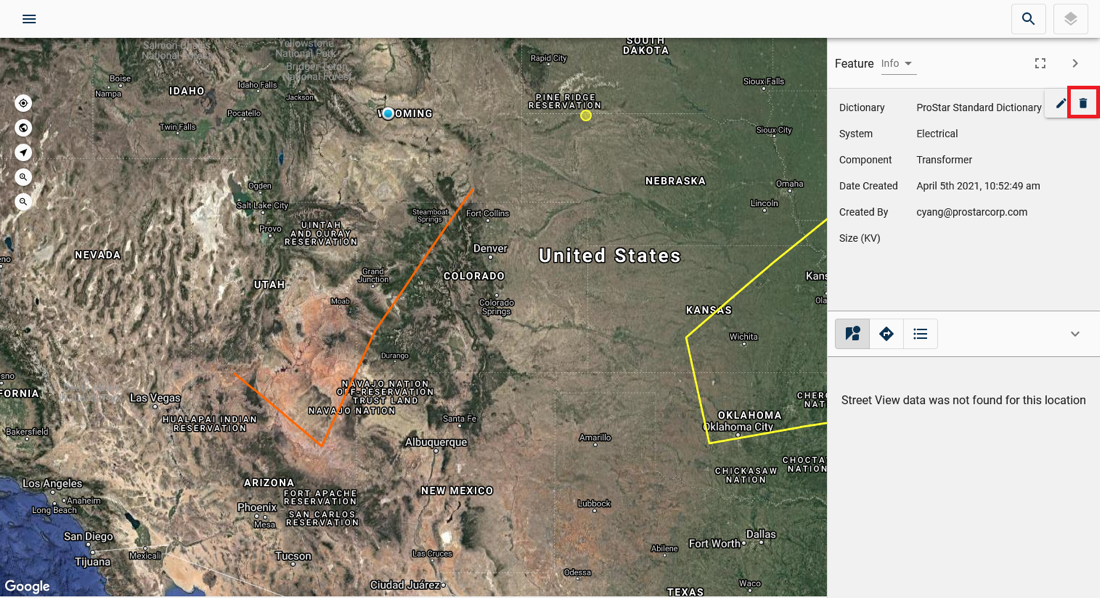
Click the Trash icon near the upper right of the sidebar.
-
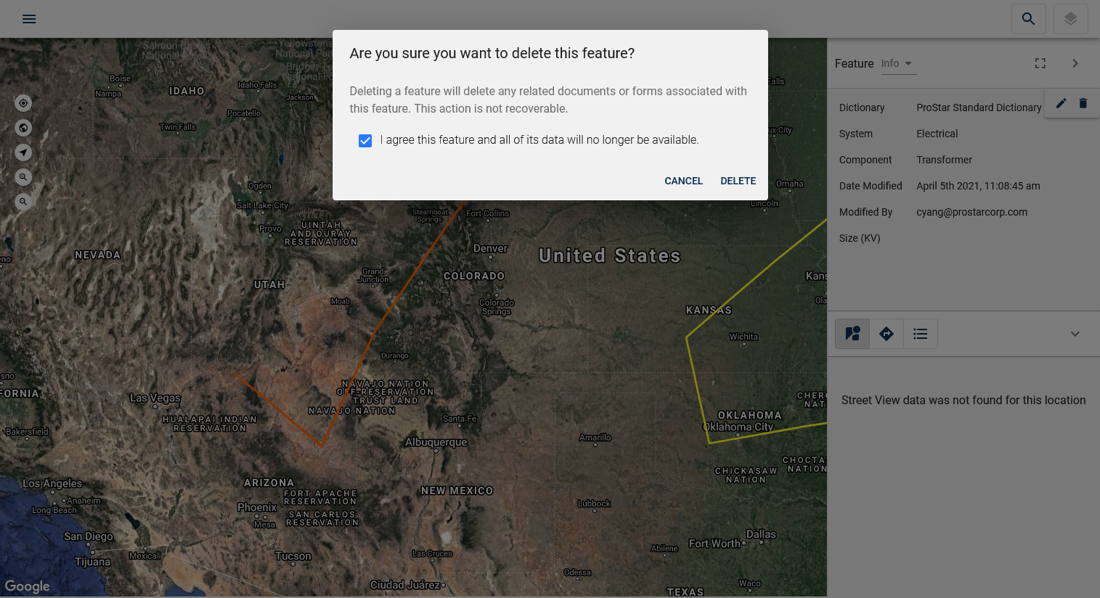
A dialogue should appear. Check the box to accept the agreement.
-
Once you have agreed to the statement, select Delete
-
A notification will display confirming the deletion.