Here is how to edit a layer.
-
Open the Project Panel icon at the top right
-
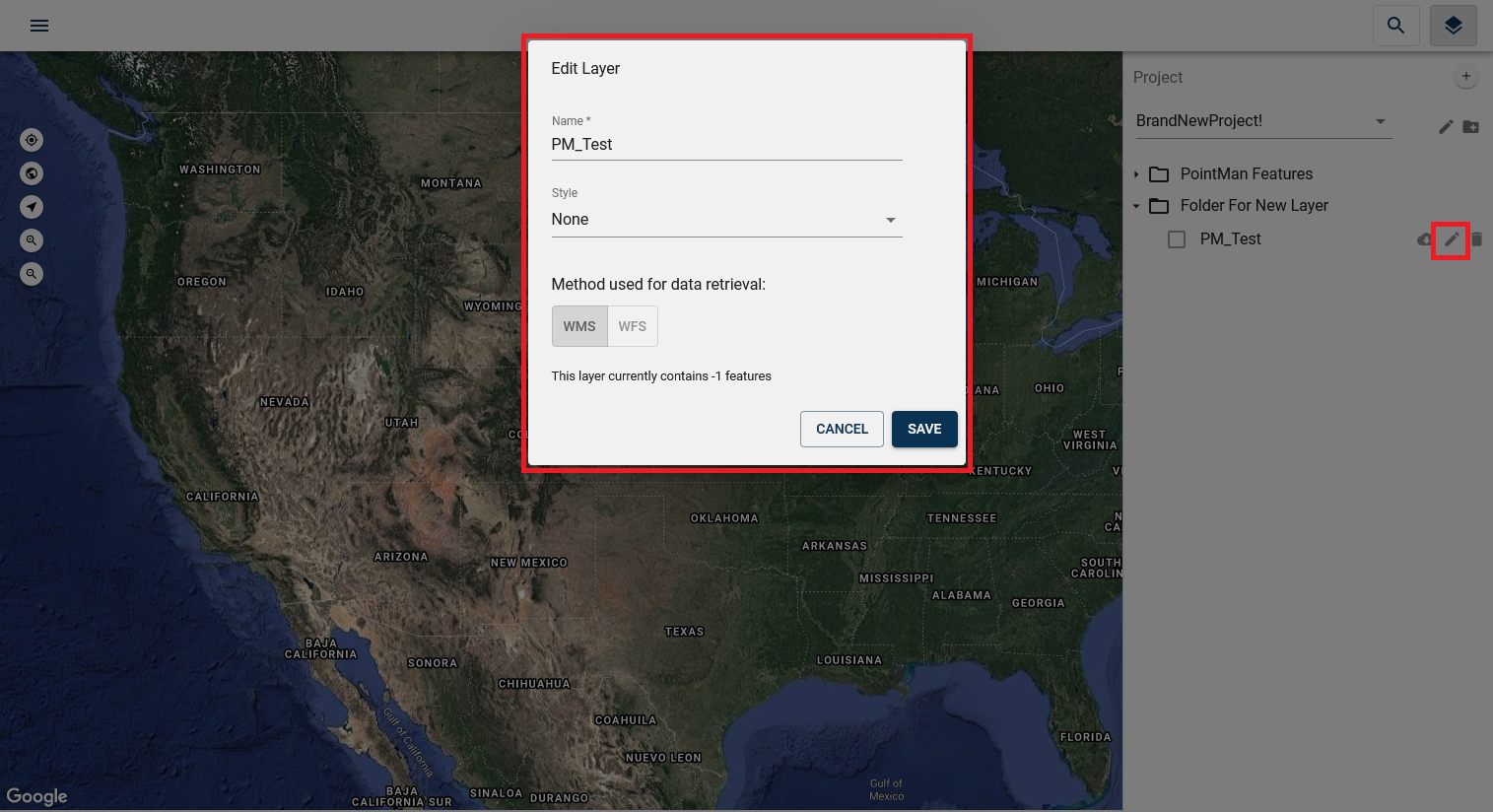
Find the layer that you wish to toggle, and hover over it. A pencil icon should appear to the right of the layer name.
-
After clicking the pencil icon, a dialogue will open
-
From here, you can change the name of the layer, the style of this particular layer and the method for data retrival (WMS/WFS)
-
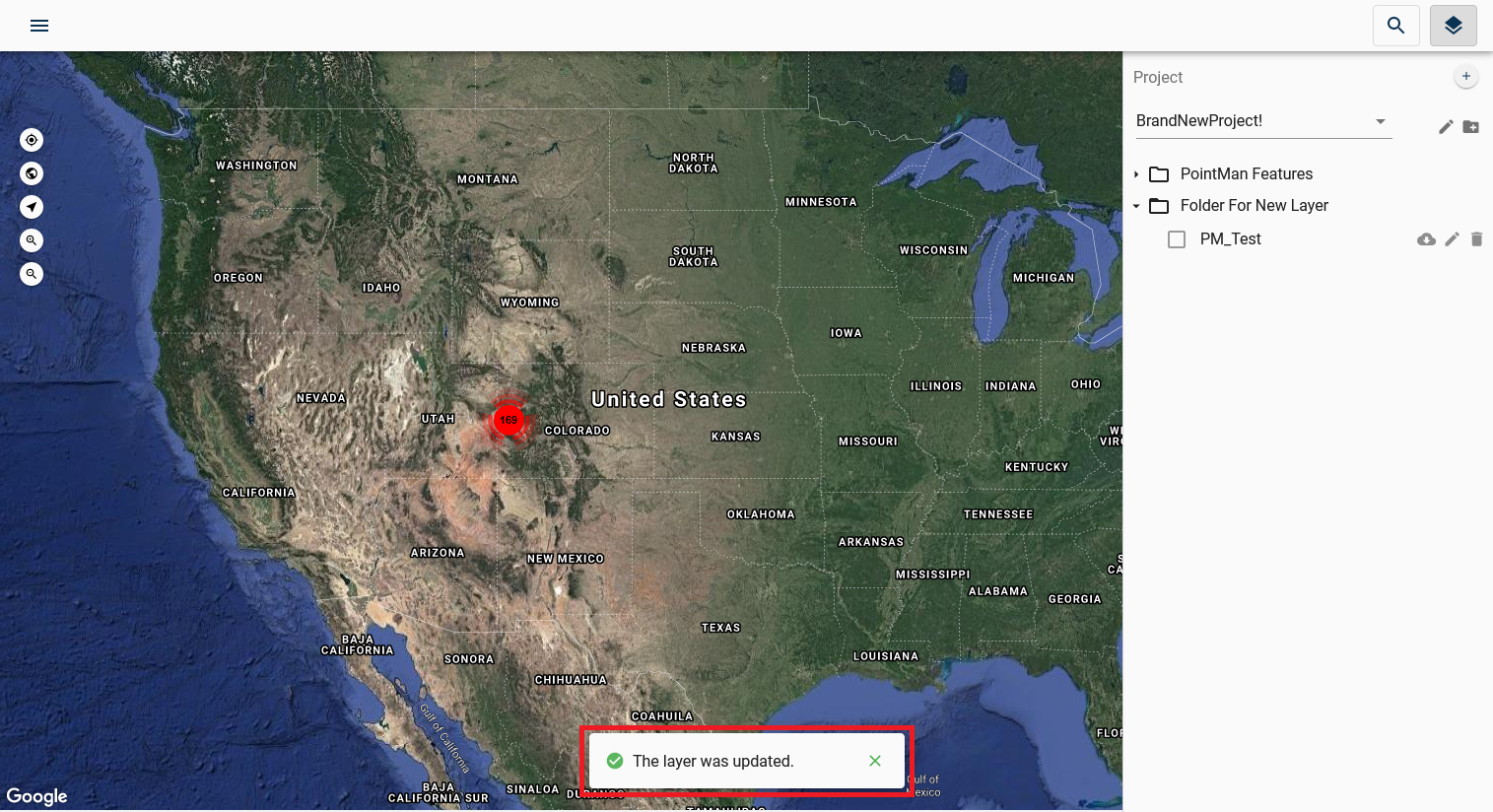
You will see that the layer was successfully updated.