
Note: This styling option works best when all data in the import layer is associated with a single system type, such as Electrical.
Steps to style imported data using the project data dictionary
-
In the intended project, import your data if you have not already done so.
-
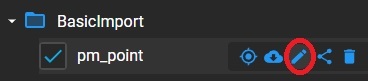
Hover over the imported data layer and click the Pencil icon to edit the layer.
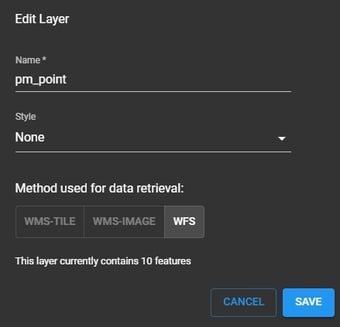
- In the Edit Layer dialog, you can change the layer name, style, and data retrieval method.
-
Click the Style dropdown and select Project Data Dictionary Style.
-
This will allow the data in the layer to be styled according to the current setup of the data dictionary assigned to the project.
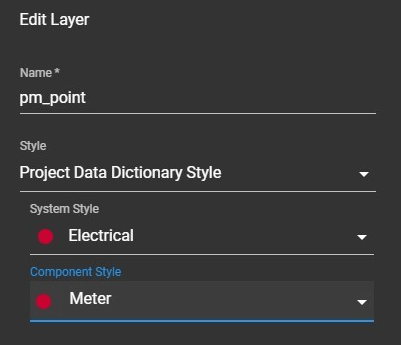
-
- Select the System Style.
-
Suggestion: The Component Style field can be left blank unless you want to use the custom styling of a specific component.
Additional Styling Option: Imported Data may also be styled using SLD files. If you do not see the Styles tab in the PointMan Web Settings page, please contact your PointMan Account Executive as this feature will need to be purchased separately.