
Each feature created in Pointman has attributes that are automatically recorded when the feature is created.
-
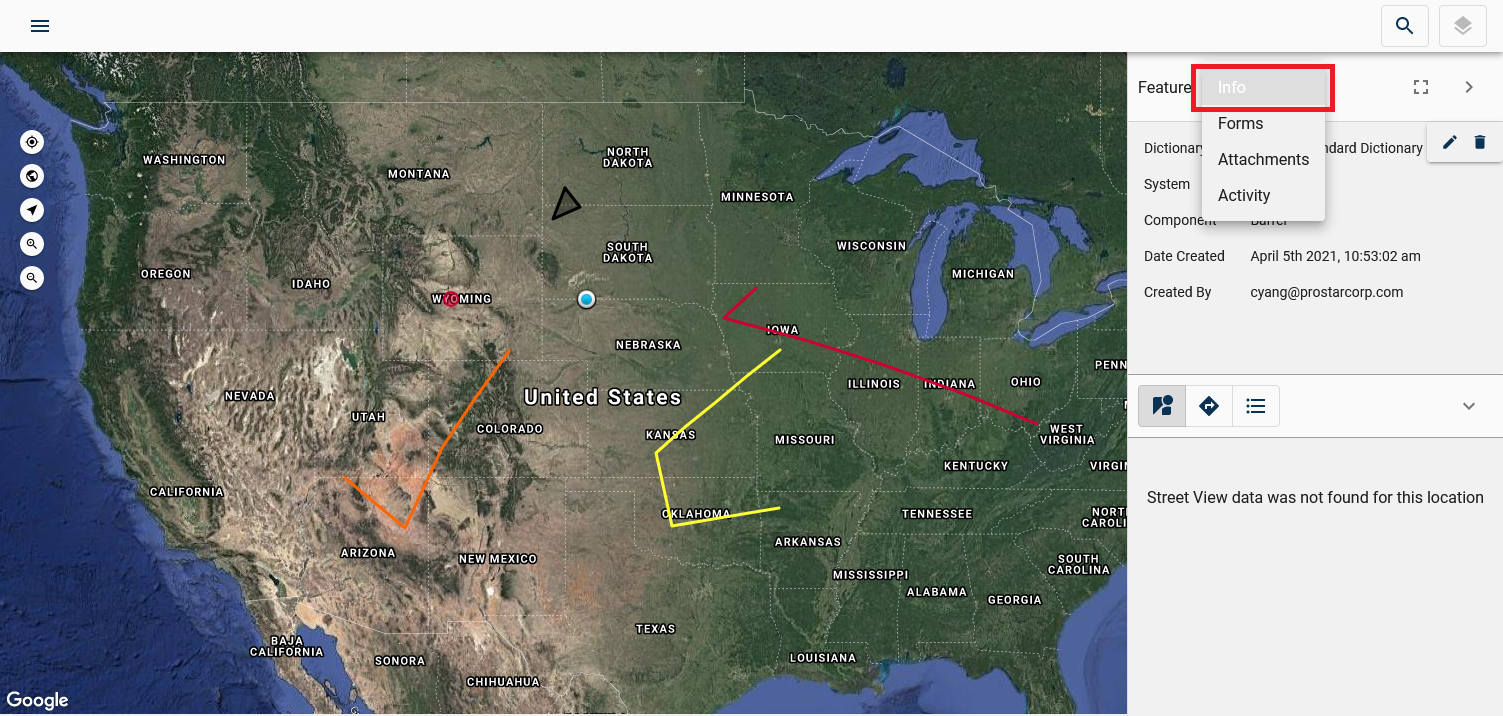
To access the feature Info, simply select the feature.
-
A side panel will open on the right, with the drop down menu already set to Info. If this is not already on Info, select it from the dropdown menu.
-
Pointman will automatically record and display:
- the Data Dictionary that was used to create the feature
- the System the feature is under
- the type of Component the feature is
- the Date the feature was created
- the User that created the feature
- if the feature was modified, the Date Modified
- if the feature was modified, the User that modified it.
-
To close this panel, click the right arrow icon at the top right of the panel.