How to navigate to a particular feature’s activity logs (not the Organization Activity Log)
Steps
-
Login to PointMan Pro
-
Open your desired project and select a feature on the map that you have created.
-
Click on a feature on the map. (Point, line, or polygon)
-
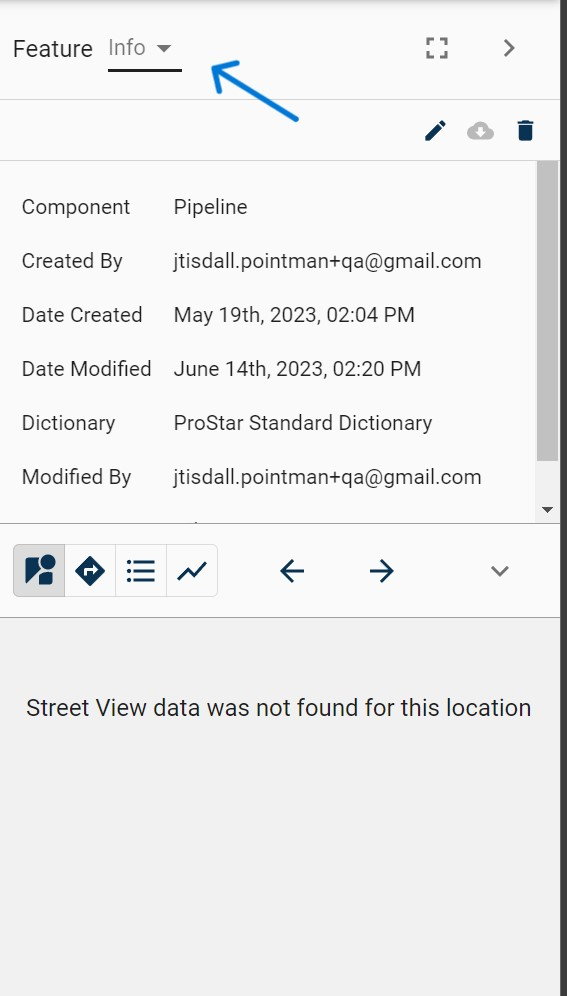
A menu will appear on the right-hand side of the screen.
-
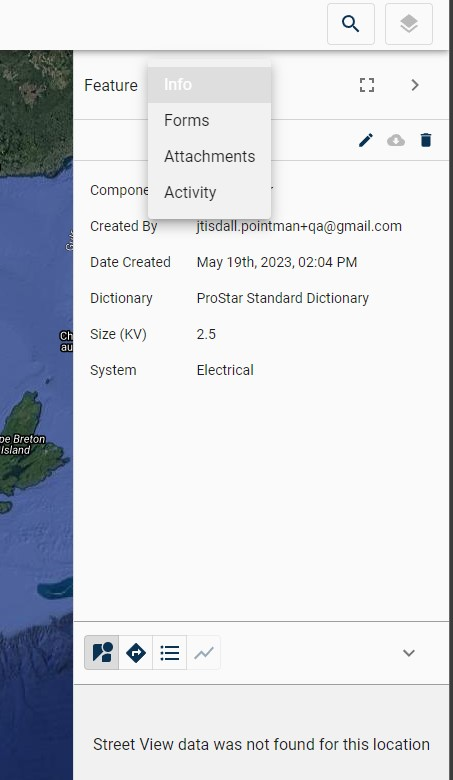
Click on the drop-down menu next to Feature where it says Info and click on Activity.
-
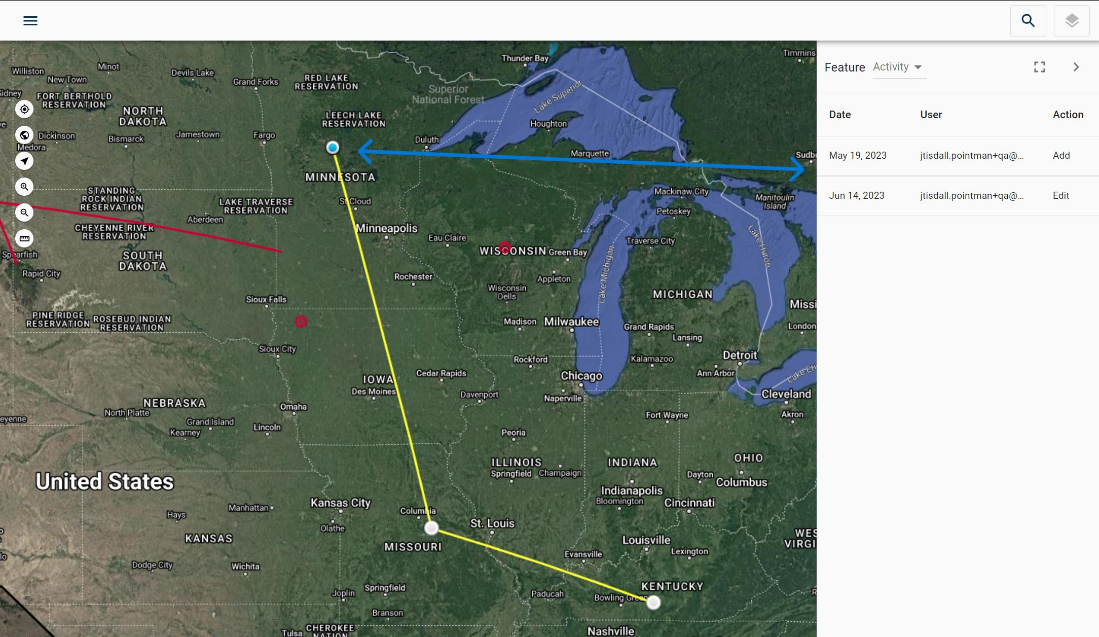
The Feature Activity Log menu will appear that displays Date, User, and Actions that have occurred with the highlighted feature