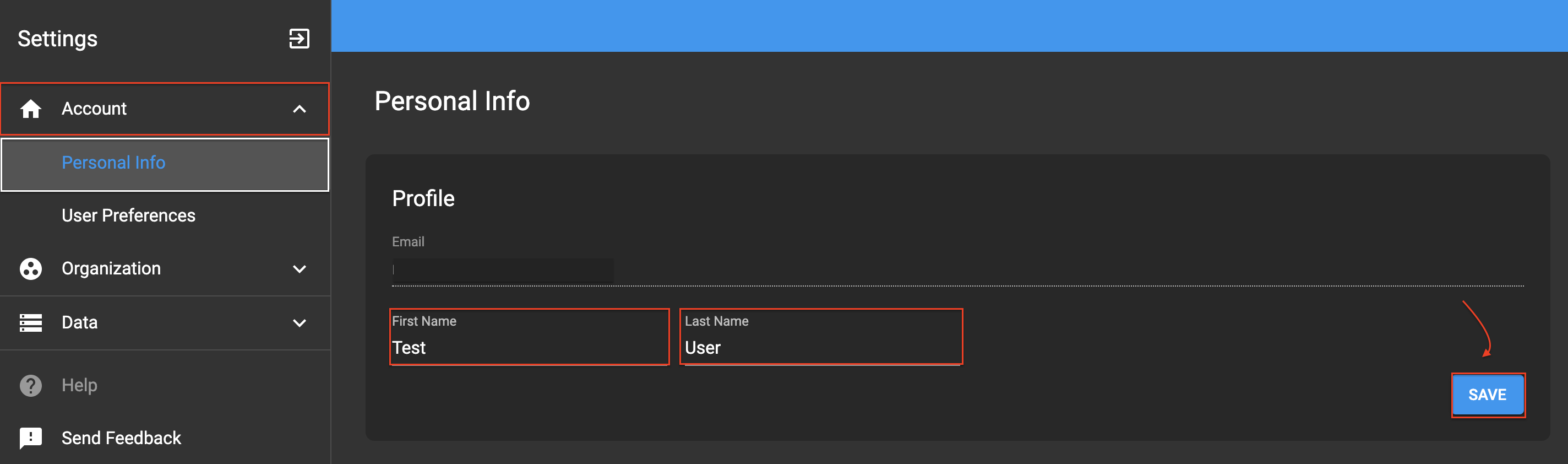
The Personal Info page lists the email, first name, and last name of the user currently signed in. While the email cannot be changed, the name and password of the profile can be reset as needed.
Update First Name and Last Name
-
Under the Account header, go to Personal Info
-
Change the name and press Save
Change Password
-
Under the Personal Info tab, click Change Password
-
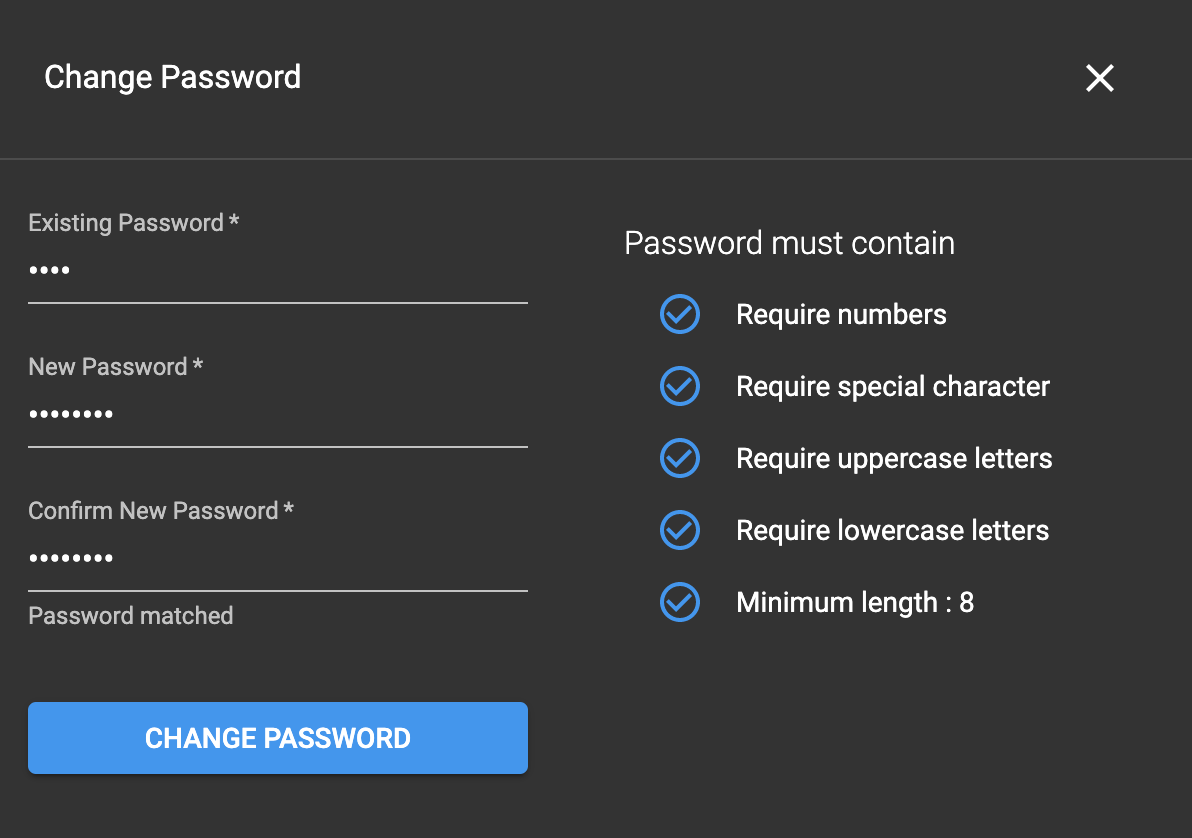
Fill in the fields and set a new password that meets the requirements listed
-
Click Change Password to submit the new password