
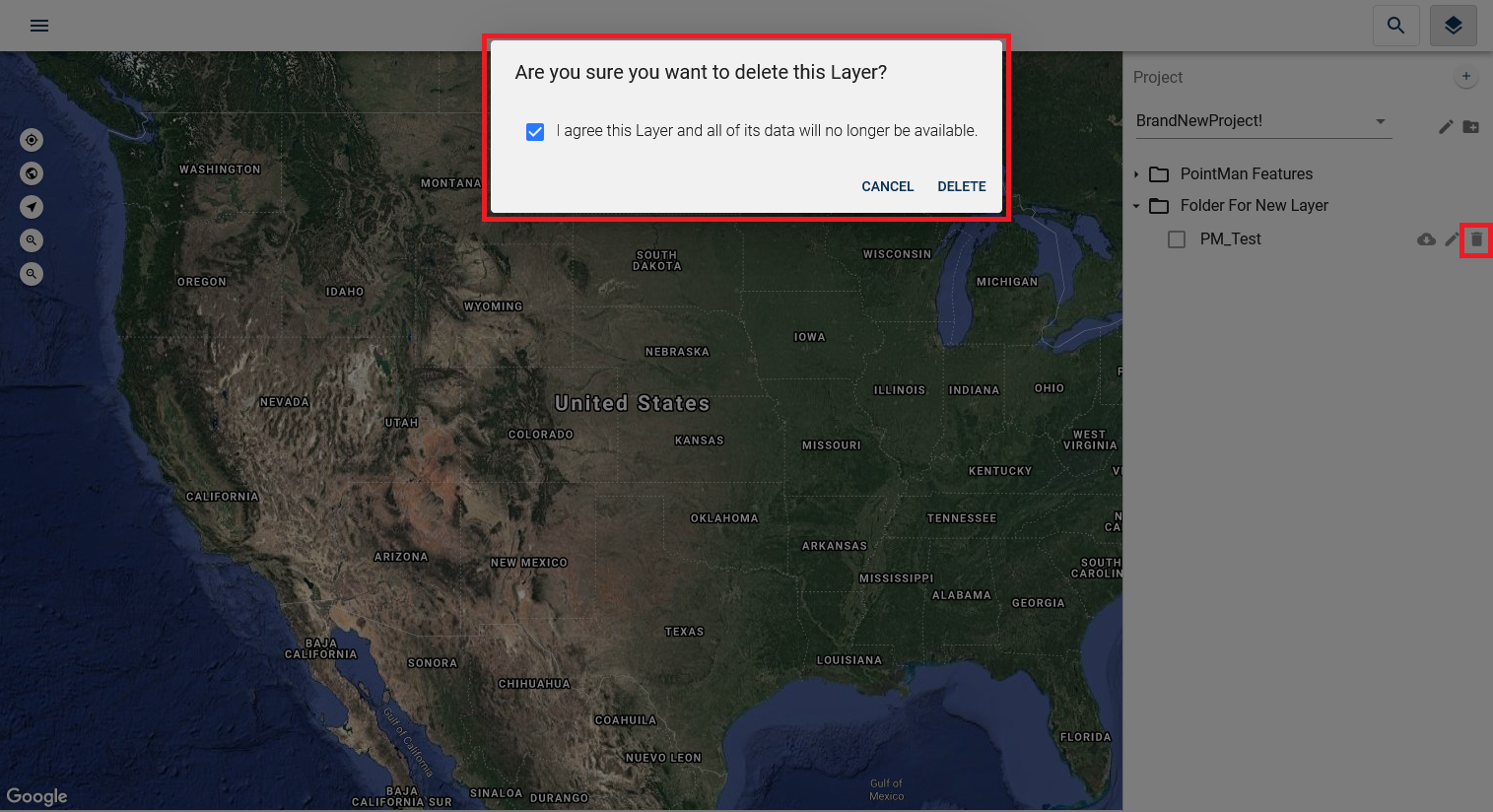
Here is how to delete a layer.
-
Open the Project Panel icon at the top right
-
Find the layer that you wish to toggle, and hover over it. A trash icon should appear to the right of the layer name.
-
Check the agreement that the layer will be deleted.
-
**Please do note that the data cannot be recovered.
-
Select delete
-
The layer will no longer be present in your porject.