
To view the Activity Reports
- Log in to the PointMan Pro Web interface, and go to the Settings
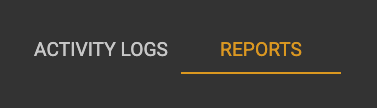
- Under Administration, open Activity Logs and go to the Reports tab
-
In the Reports section, use the checkboxes on the left-hand side to enable or disable individual metrics. Each metric includes a drop-down menu that allows you to select the specific activity or feature you want to report on.
- Filters can also be applied to narrow the report results. Quick filters are available for the last week, last 2 weeks, last month, or all time.
To download the Activity Report
- Click the Cloud icon in the top right corner.
- Click OK to confirm. PointMan will send you an email with a download button.
- Open the email and download the .CSV file.