
To view the Activity Logs:
-
Login to the PointMan Pro Web interface, and go to Settings
- Under Administrator, go to the Activity Logs page
Use the Filters to search through the logs:

Once you select the appropriate filter(s), click Save to update the log list. You may set multiple filters at one time.
You can also sort the results using the Sort By button:

To download the Activity Log:
- Click the Cloud icon at the top right

- Click OK to confirm
- You will receive an email shortly with a download button. The subject line will be: Download your PointMan Pro Audit Trail Report
- Click the Download button
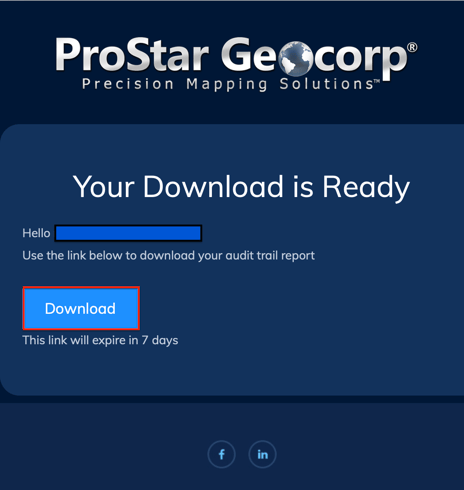
- A CSV file will be downloaded to your Downloads folder. Open the CSV file using Excel